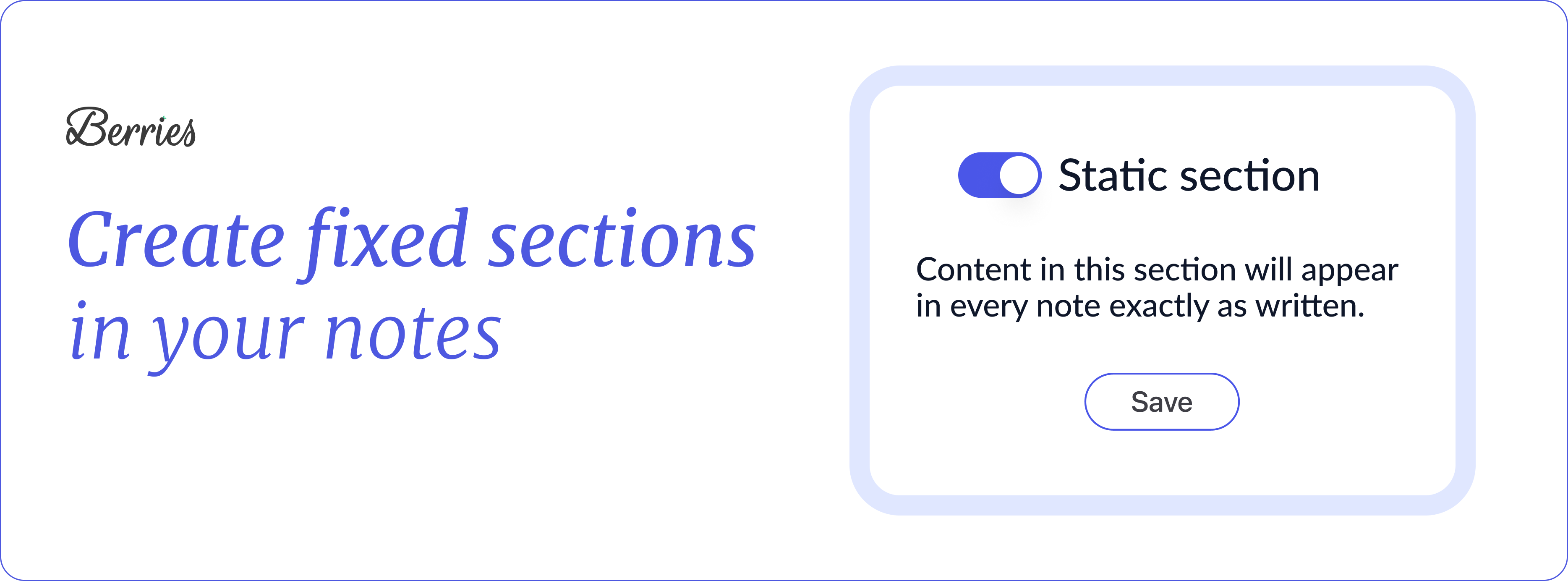
Today we’re introducing Static Sections, a new way to keep parts of your note exactly the same, in every note. These are sections that will always appear in your note, no matter what. They’re not generated by AI, and stay exactly as you set them. ͏ ͏ ͏ ͏ ͏ ͏ ͏ ͏ ͏ ͏ ͏ ͏ ͏ ͏ ͏ ͏ ͏ ͏ ͏ ͏ ͏ ͏ ͏ ͏ ͏ ͏ ͏ ͏ ͏ ͏ ͏ ͏ ͏ ͏ ͏ ͏ ͏ ͏ ͏ ͏ ͏ ͏ ͏ ͏ ͏ ͏ ͏ ͏ ͏ ͏
Hi there, Today we’re introducing Static Sections, a new way to keep parts of your note exactly the same, in every note. These are sections that will always appear in your note, no matter what. They’re not generated by AI, and stay exactly as you set them. Choose from our premade sections or create your own. Use them to include anything consistently, like standard language, consent or disclaimer statements, compliance text, or risk and safety notes.
How it works: -
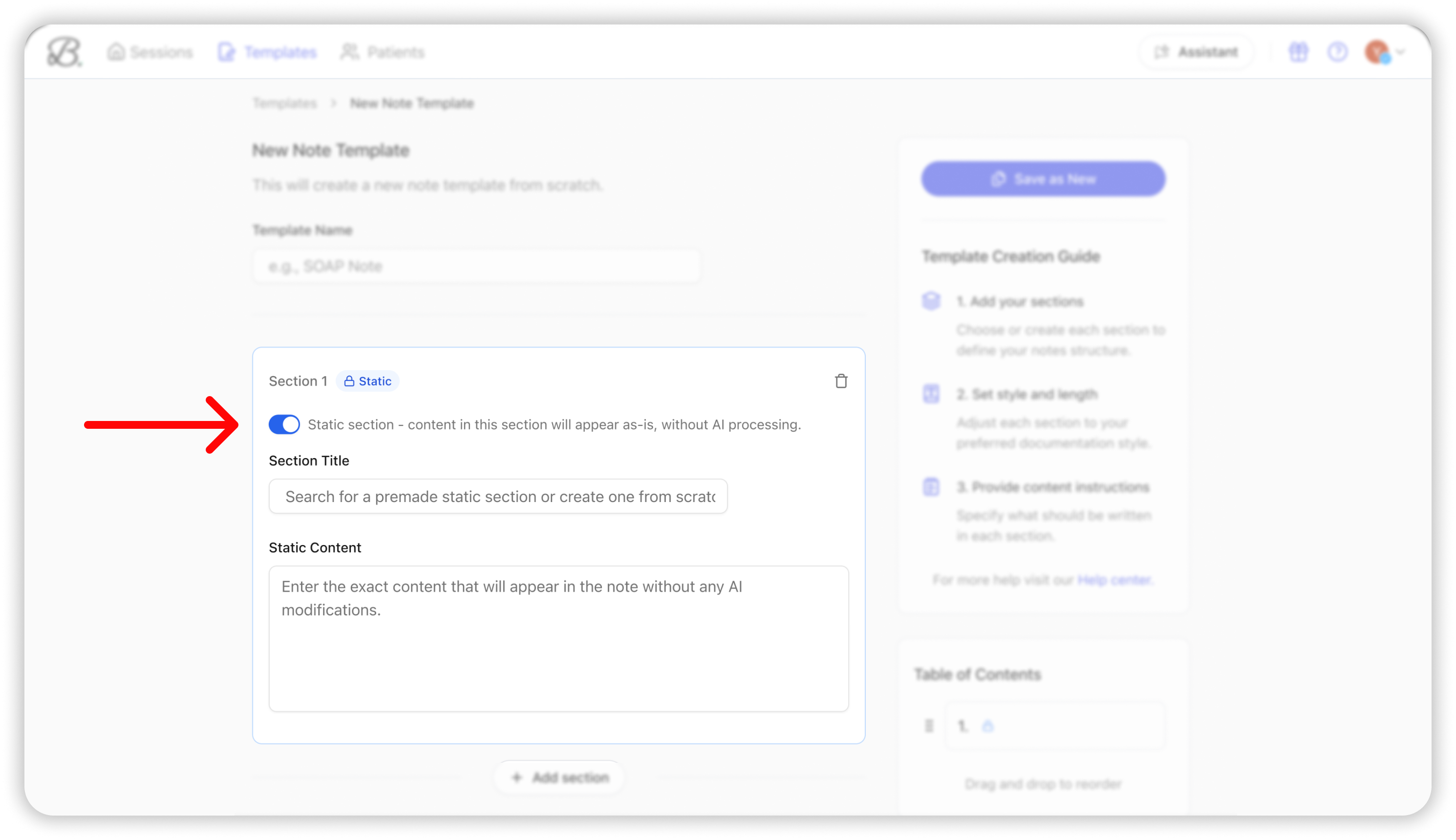
Go to the Template Library and customize one of your templates.
- Turn on Static Section for any section.
- Search for a premade static section or create one from scratch, and save.
|
That’s it. We’ll keep that section exactly as you set it, while generating the rest of your note as usual.
This helps you keep your notes consistent, complete, and aligned with your documentation needs, without extra work.
You can try it now in the Templates Library. As always, we’d love to hear what you think and are honored to support your important work. Warmly,
Tal |
|
|
Berries | AI scribe for mental health professionals |
The email was sent to help@heyberries.com. To no longer receive these emails, unsubscribe here. |
|
|
|