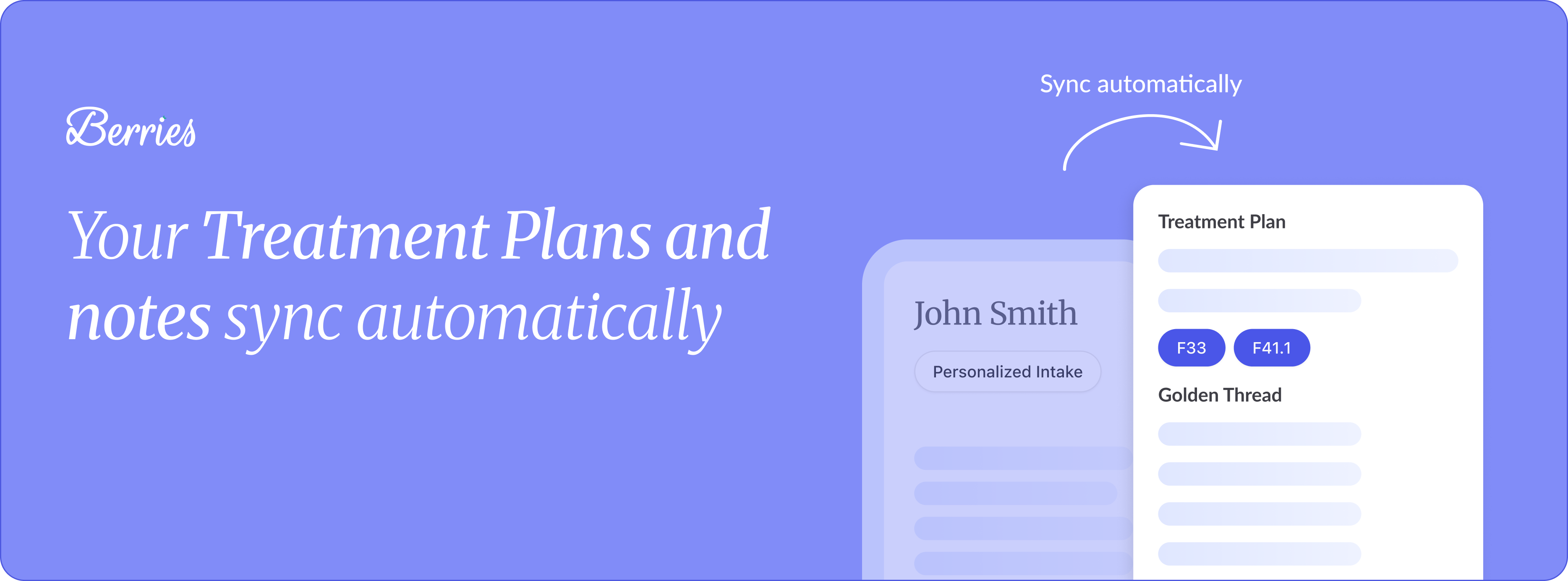
We wanted to highlight an important part of the Treatment Plan experience in Berries. Your Treatment Plan and session notes sync automatically, maintaining a clear golden thread across sessions and keeping everything aligned without extra work. ͏ ͏ ͏ ͏ ͏ ͏ ͏ ͏ ͏ ͏ ͏ ͏ ͏ ͏ ͏ ͏ ͏ ͏ ͏ ͏ ͏ ͏ ͏ ͏ ͏ ͏ ͏ ͏ ͏ ͏ ͏ ͏ ͏ ͏ ͏ ͏ ͏ ͏ ͏ ͏ ͏ ͏ ͏ ͏ ͏ ͏ ͏ ͏ ͏ ͏
Hi there,
We wanted to highlight an important part of the Treatment Plan experience in Berries.
Your Treatment Plan and session notes sync automatically, maintaining a clear golden thread across sessions and keeping everything aligned without extra work.
The Treatment Plan helps guide your notes, and your notes help strengthen and refine the Treatment Plan over time.
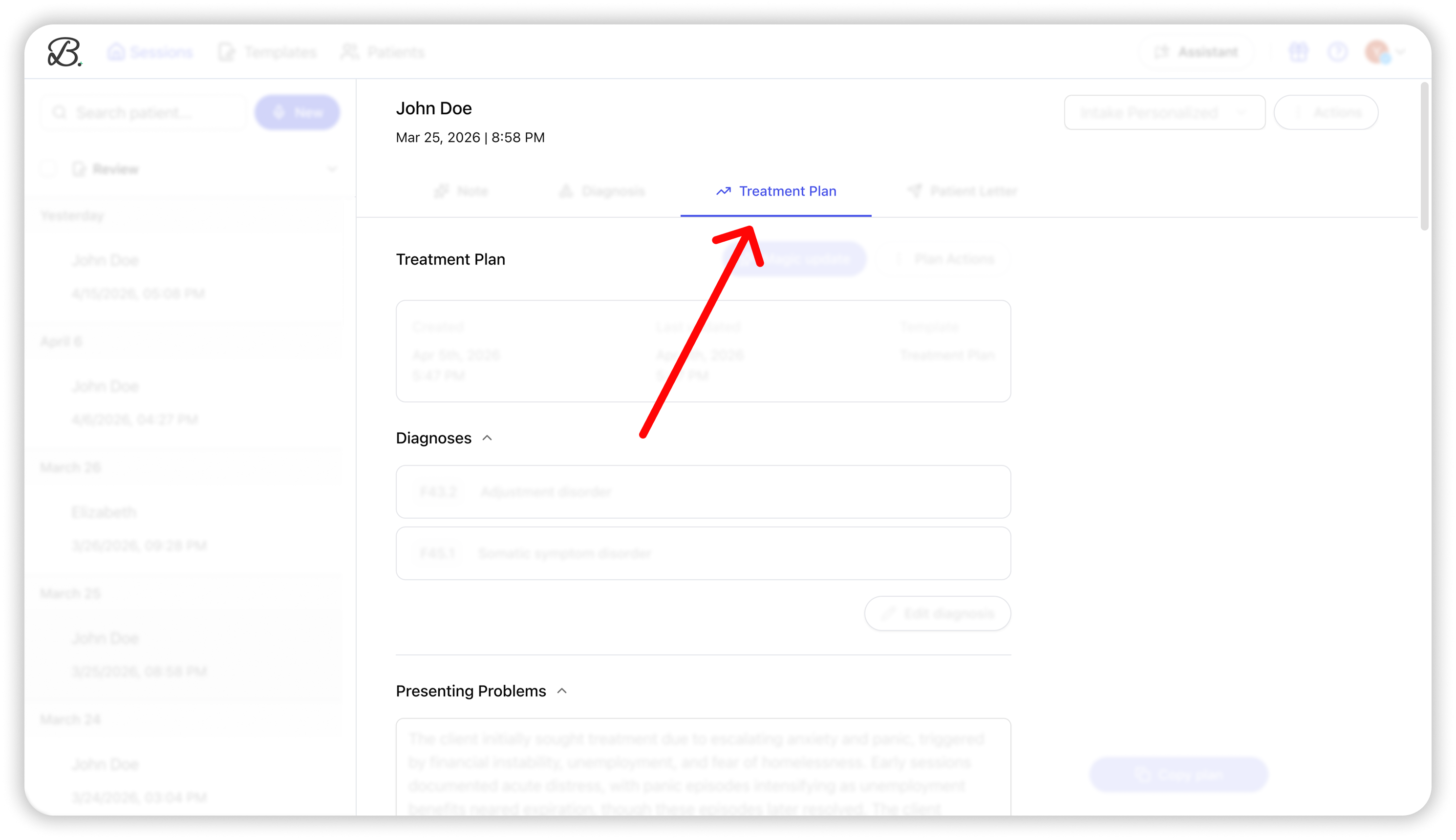
You can explore it now in Berries through the Treatment Plan tab in the patient page or note page.
|
You can also add Medical Necessity and Treatment Progress sections to your notes, both inspired by the Treatment Plan. To do it, go to your note preferences, and enable the Include treatment plan details in notes toggle. To learn more about the treatment plan feature, watch this video tutorial. This is part of our goal to make documentation feel more connected and easier to maintain over time.
As always, we’d love to hear what you think and are honored to support your important work. Warmly,
Tal |
|
|
Berries | AI scribe for mental health professionals |
The email was sent to help@heyberries.com. To no longer receive these emails, unsubscribe here. |
|
|
|