We’re excited to introduce Patient Context, a new feature designed to help you create more accurate and personalized notes over time. ͏ ͏ ͏ ͏ ͏ ͏ ͏ ͏ ͏ ͏ ͏ ͏ ͏ ͏ ͏ ͏ ͏ ͏ ͏ ͏ ͏ ͏ ͏ ͏ ͏ ͏ ͏ ͏ ͏ ͏ ͏ ͏ ͏ ͏ ͏ ͏ ͏ ͏ ͏ ͏ ͏ ͏ ͏ ͏ ͏ ͏ ͏ ͏ ͏ ͏ ͏ ͏ ͏ ͏ ͏ ͏ ͏ ͏ ͏ ͏ ͏ ͏ ͏ ͏ ͏
Hi there, It’s Tal from Berries, I hope you’re doing well!
We’re excited to introduce Patient Context, a new feature designed to help you create more accurate and personalized notes over time.
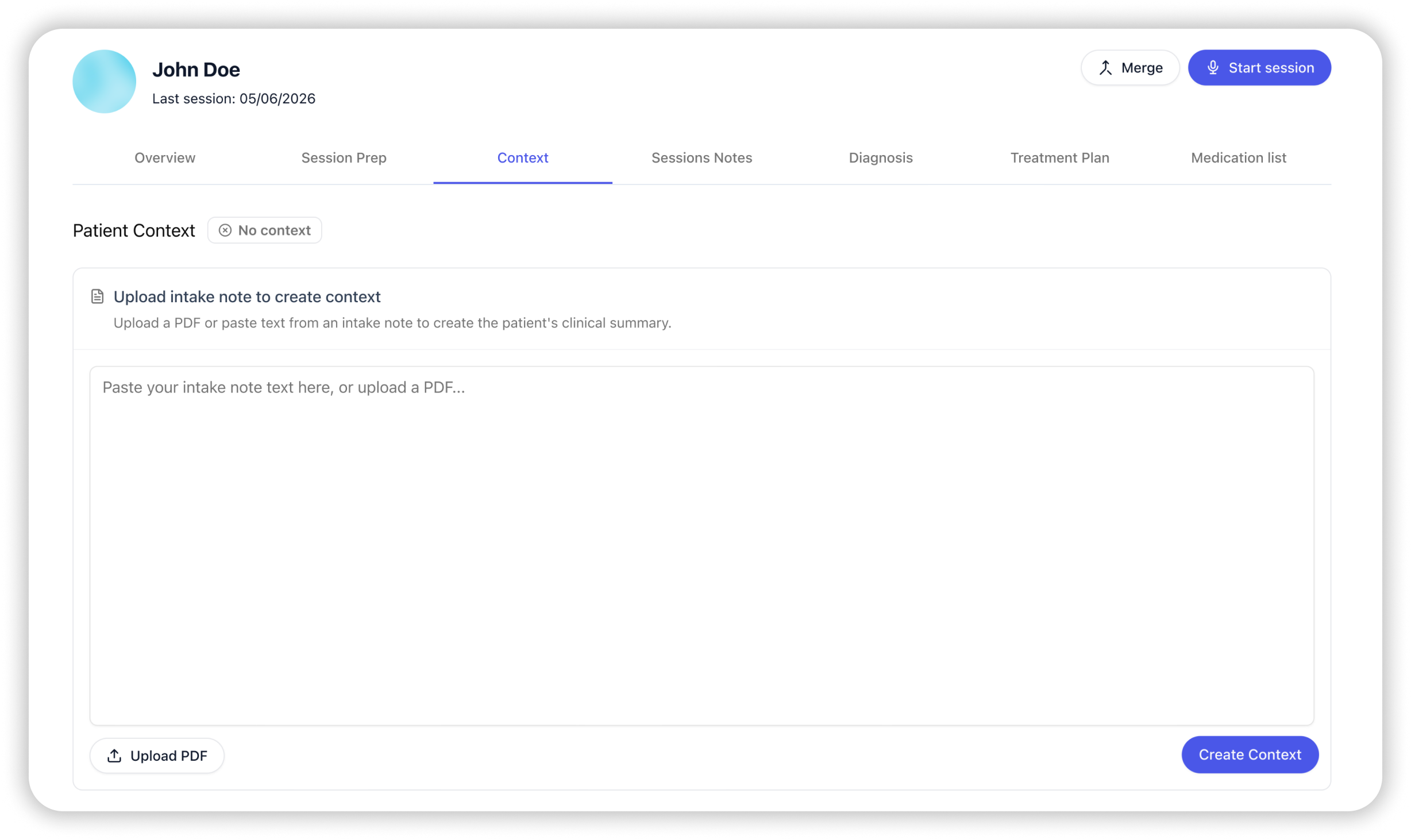
You can now add Patient Context directly from the patient page. Berries uses this context to carry forward important clinical background information across sessions and enhance future notes.
Patient Context can be updated anytime as new information becomes relevant throughout care by uploading PDF documents or pasting text directly into the editor. To enable Patient Context: -
Click Patients in the Berries header.
- Select a patient from the list.
- Open the Context tab.
|
Learn more about the Context feature in this article. We’re excited for you to try it and hope it helps make your documentation even smoother and more accurate.
As always, thank you for the truly important work you do. We’re honored to support it. Best regards,
Tal |
|
|
Berries | AI scribe for mental health professionals |
The email was sent to help@heyberries.com. To no longer receive these emails, unsubscribe here. |
|
|
|
|